Blog
ComfyUI + ROCm 7.1 + PyTorch 2.8 + Strix Halo
Install ComfyUI with ROCm 7.1 and PyTorch 2.8 on an AMD Strix Halo system running Ubuntu 24.04 for Stable Diffusion image generation without an NVIDIA GPU.
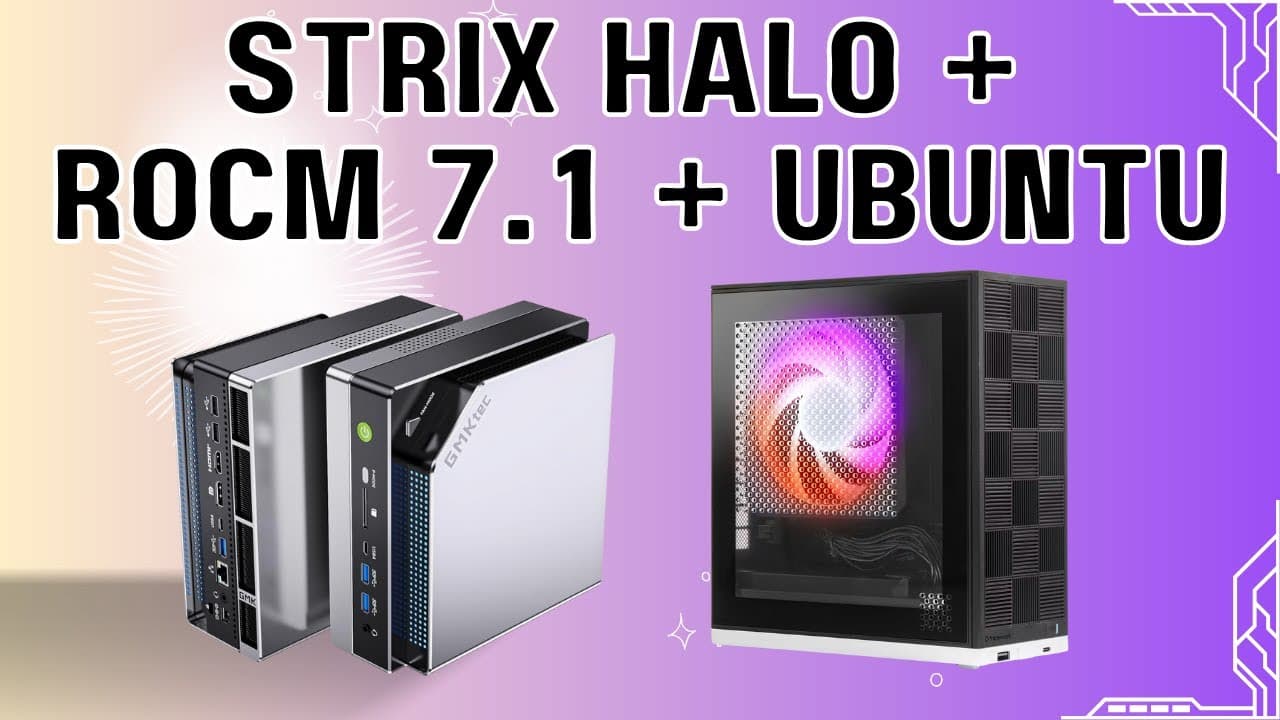
Strix Halo + ROCm 7.1 + Ubuntu 24.04
Install ROCm 7.1 on the AMD Strix Halo (GMKtec EVO X2, AI MAX+ 395) running Ubuntu 24.04 with kernel 6.14 upgrade, AMD GPU drivers, and shared memory (TTM) configuration.
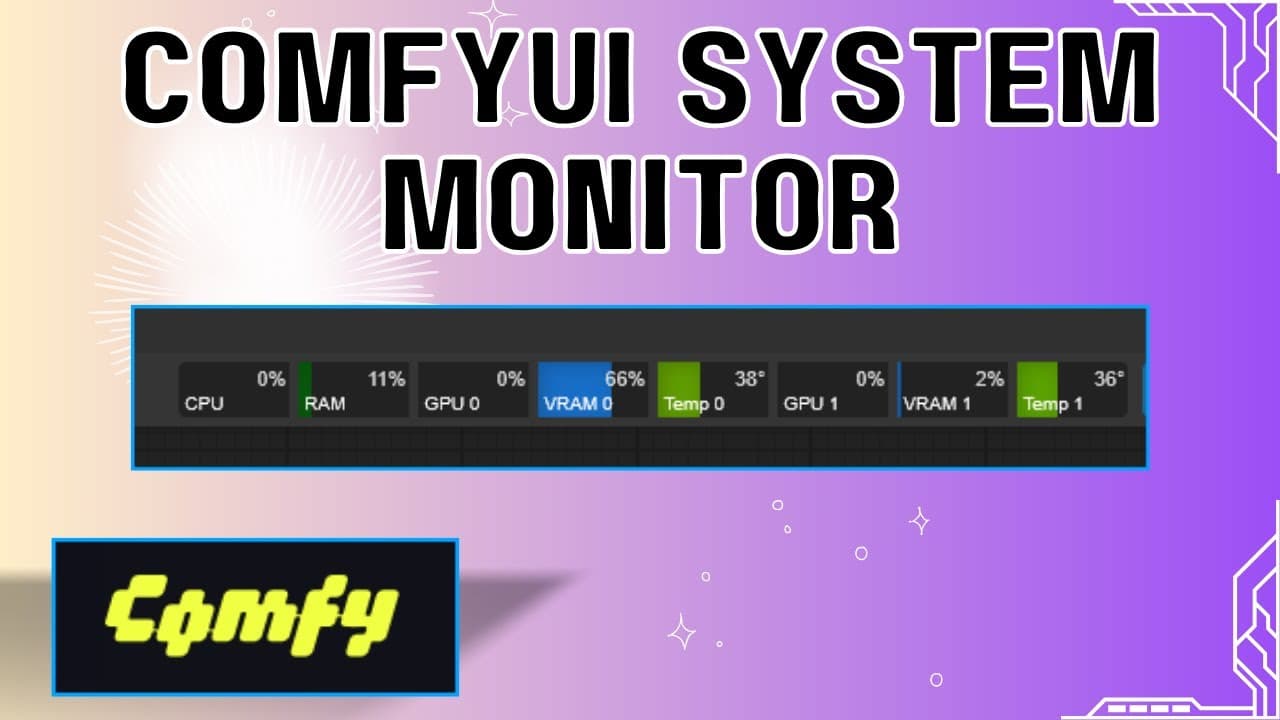
ComfyUI System Monitor
Crystools is a "Swiss Army knife" toolkit that adds monitoring, debugging, and workflow organization tools to ComfyUI.
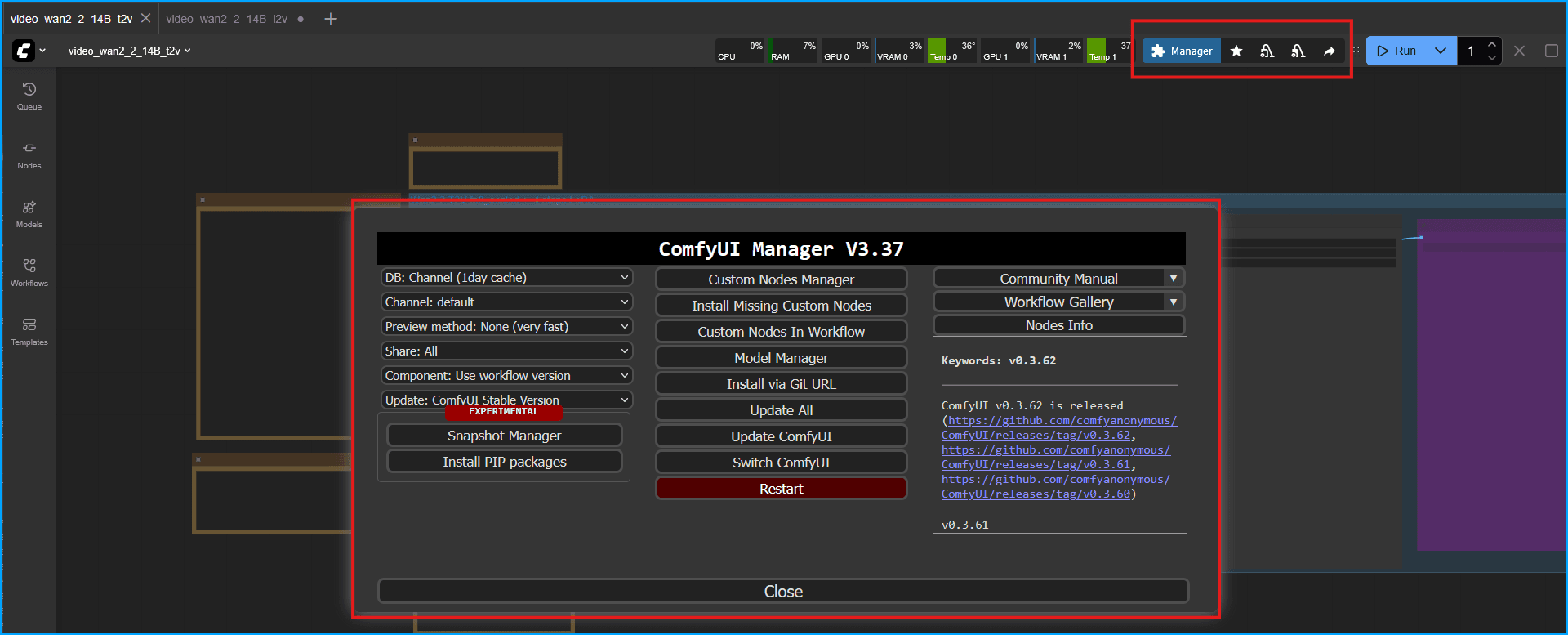
Install ComfyUI Manager
ComfyUI Manager is the "app store" for ComfyUI. It's a custom node that lets you manage everything through the web interface instead of using command line.
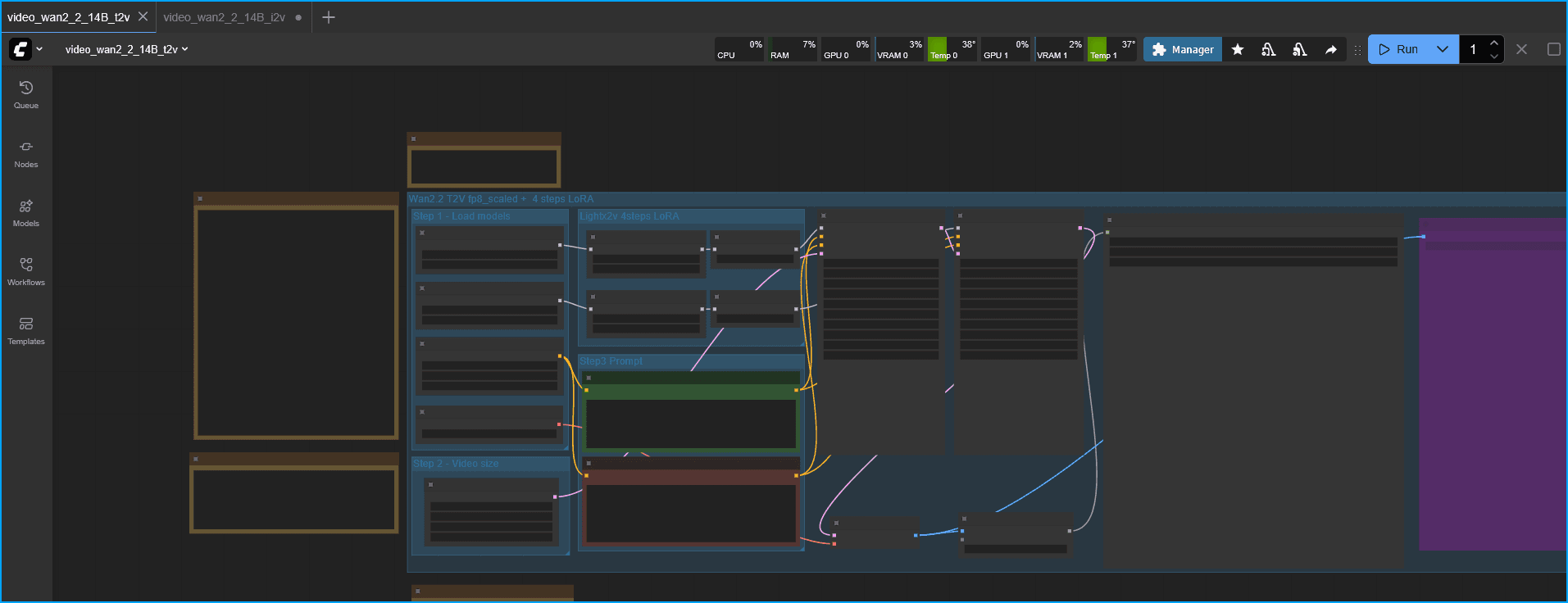
Install ComfyUI on Ubuntu Server 24.04
A quick guide on getting ComfyUI set up on Ubuntu Server 24.04 using CUDA 13 and PyTorch 2.9 with an NVIDIA GPU.
Ollama for AMD Integrated GPUs in Windows
If you try and run Ollama with an integrated GPU most likely it will run on the CPU only. This guide shows you how to build a custom version of Ollama with the latest HIP SDK to enable GPU acceleration on AMD Radeon iGPUs like the 680M, 780M, and 890M.
ComfyUI with ZLUDA for AMD GPUs on Windows
ZLUDA (CUDA on AMD) is a compatibility layer that allows CUDA applications to run on AMD GPUs. This guide walks you through installing and configuring ComfyUI ZLUDA specifically optimized for AMD hardware, including the AMD Radeon 780M integrated graphics.

Proxmox Post-Install Script
Automate essential Proxmox VE post-installation tasks with a single community-maintained script. This eliminates manual configuration and gets your system production-ready in minutes.

Installing Proxmox VE
A straightforward guide to installing Proxmox Virtual Environment on bare metal hardware. This guide covers the essentials to get you up and running quickly with Proxmox VE 9.0.

Booting a VM from USB in Proxmox
Learn how to pass through a physical USB device to a Proxmox VM and configure it to boot from that USB drive.
Debian VM
A guide to setting up a Debian VM on Proxmox
Immich
A guide to setting up Immich on Proxmox using Docker and Portainer for self-hosted photo and video backup.